Offices and coworking: show your premises from a distance
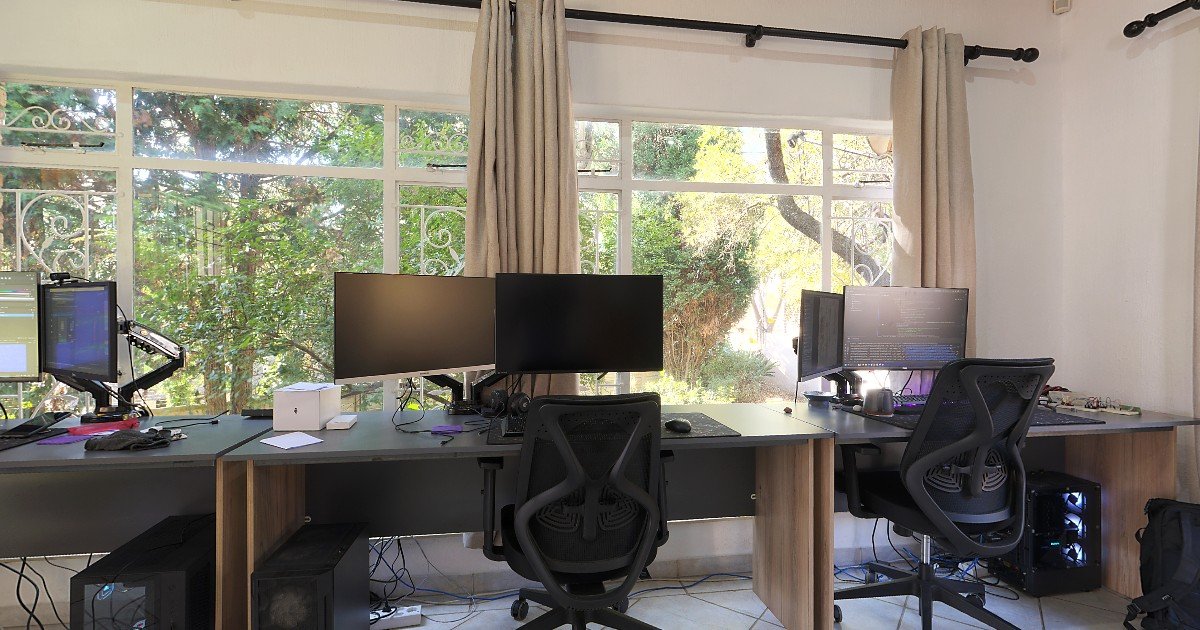
Future tenants, job applicants, newcomers: everyone discovers the reception, the offices and the meeting rooms before day one.
What you will use it for
- Reception, open-plan office and meeting rooms in 360°
- The floor plan, with each space marked
- The link in your job ads and welcome messages
An address in your name, alongside your website or in its place. Your tours, contact details and links together on a polished page, to add to your Google Business Profile and your social media. See how
What to photograph
One 360° photo per space or per view. Start with “Reception”: that is where the tour opens. The editor suggests space names in one click, and you can type your own.
- Reception
- Office
- Open-plan office
- Meeting room
- Waiting room
- Service desk
- Outside
Examples
Frequently asked questions
All questionsHow many photos do I need?
One 360° photo per space or per view. To start with, the editor suggests Reception, Office, Open-plan office and Meeting room, and more; you can name your own. The Free plan allows 20 photos per tour; PRO has no limit.
Do I need a 360° camera?
A consumer 360° camera is enough: export the photos as JPG and drop them in. A full 360° photo taken with a phone app works too, less sharp. No equipment? A 360° provider can take the photos for you.
Do my visitors need an app?
No. The tour opens in the browser, on a phone as well as a computer, from a link, a QR code or your own website.
How much does it cost?
Free to start: 1 tour online and 20 360° photos per tour. PRO costs 2 900 XPF per month incl. tax, with a 30-day trial, no credit card.
What should I prepare before I start?
To have to hand: the floor plan, even a sketch; the list of spaces: reception, offices, meeting rooms; the link to your job offers or space rentals; your logo; tidy offices, screens off, on a quiet day. The “Preparing your page and your tour” guide for this activity also covers what to photograph and the questions to ask yourself.