
Show your places without being there.
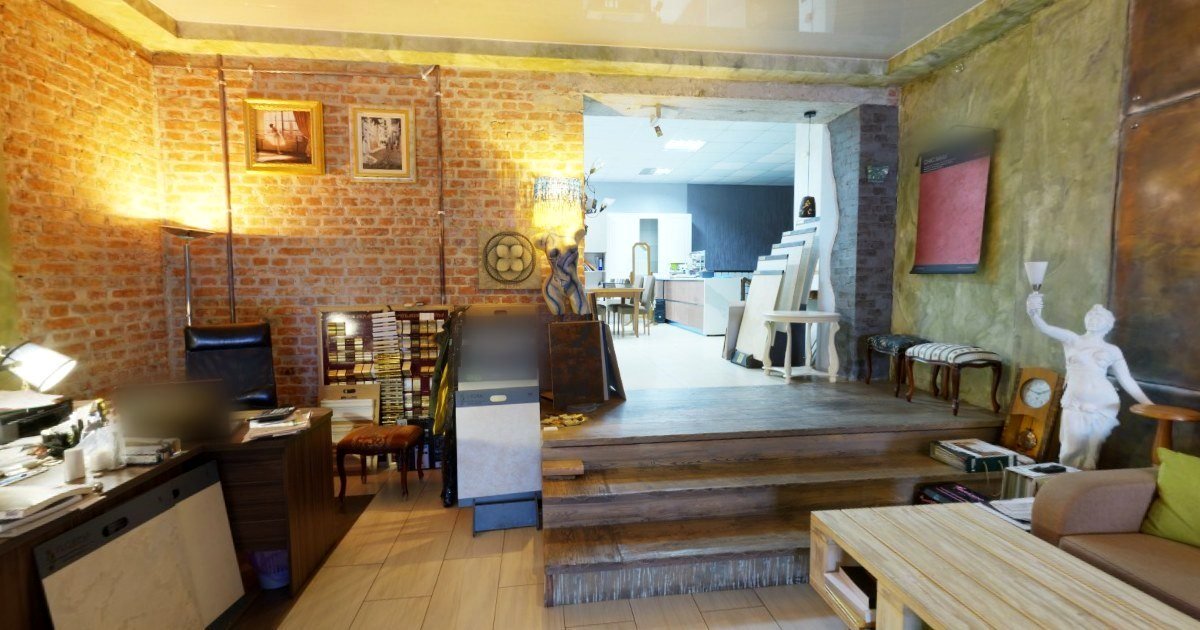
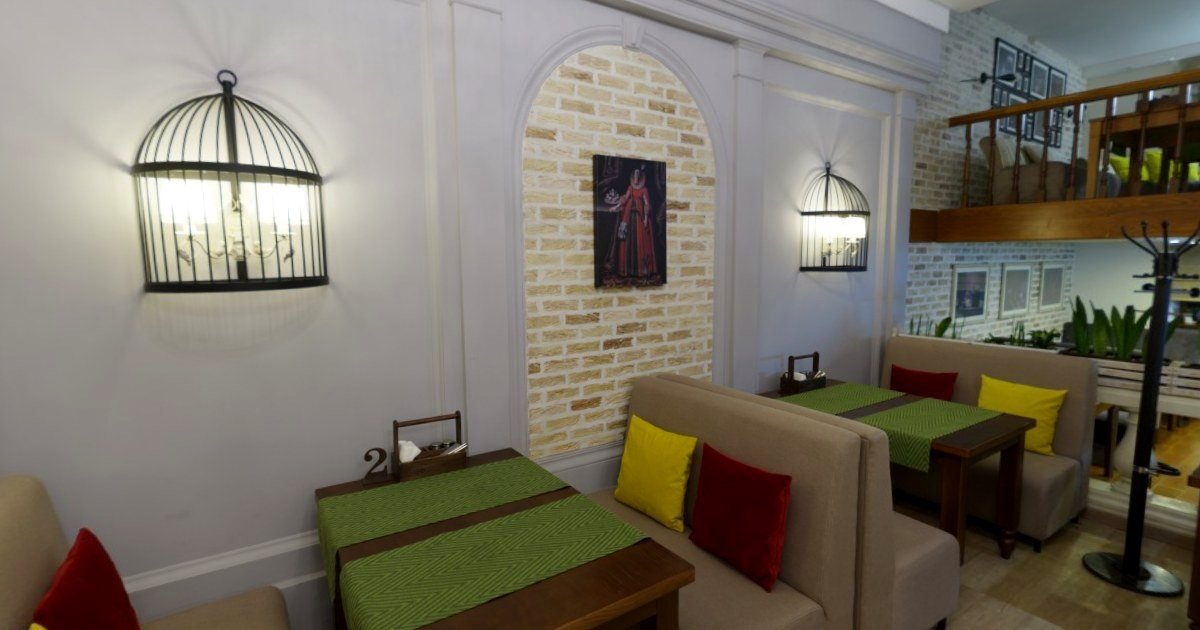
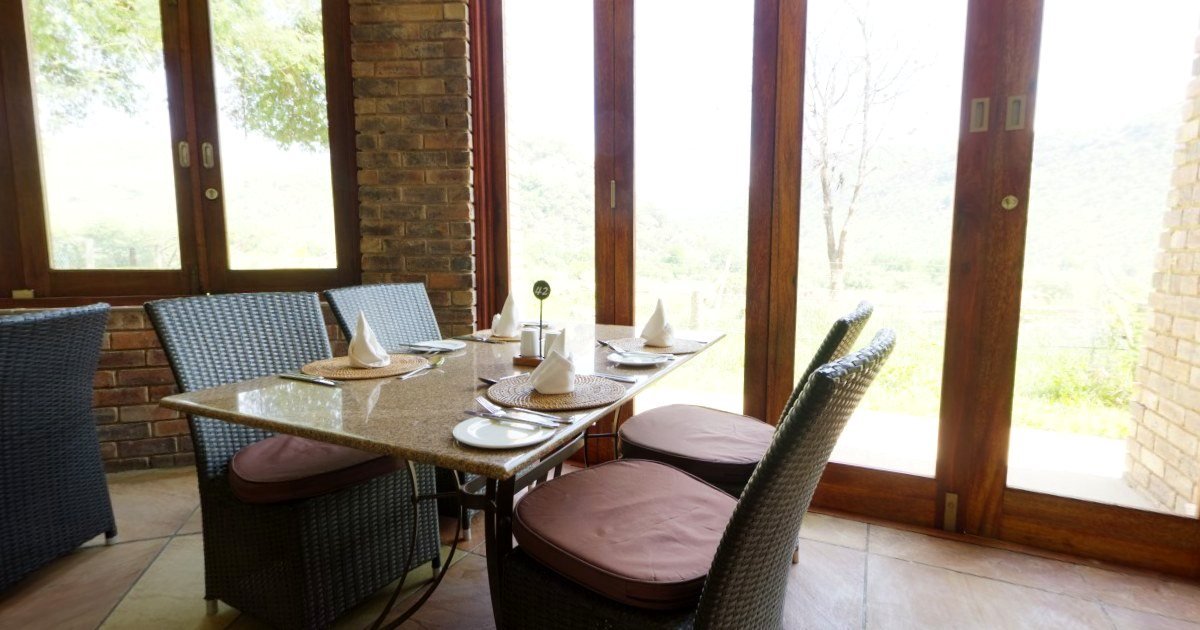
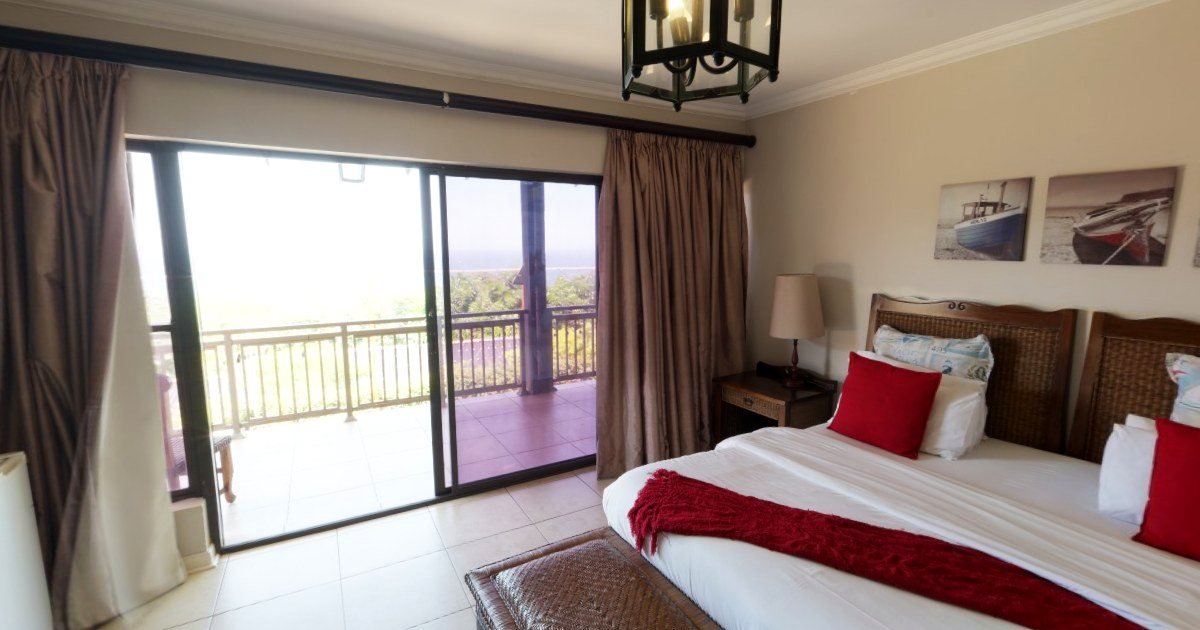
Create your 360° tour in minutes. Your clients explore it from their phone.
Free for up to 3 tours · PRO 2 500 XPF / month incl. tax · See pricing
For every place people want to see before they come
- Real estateSales, rentals, new developments, works
- Accommodation and tourismHotels, guesthouses, holiday rentals, activities
- Shops and restaurantsShops, restaurants, garages, practices
- Boats, sport and natureCharters, clubs, fishing, diving, hiking
- Events and associationsVenues, parties, schools, associations
- Photographers and creators360° photographers, drone pilots, artists, memories
What a tour changes
Fewer wasted trips
Clients have already seen the spaces: they only come if they are really interested.
Clients far away, everywhere
On a simple phone, even with a slow connection.
Your brand up front
Your colours, your logo, your contact details.
Designed in Tahiti, made for everywhere
- Prices in CFP francs, all taxes included
- Support in French, on Tahiti time
- A tour’s link never changes, even if you rename it
- Your photos and content remain yours
How it works
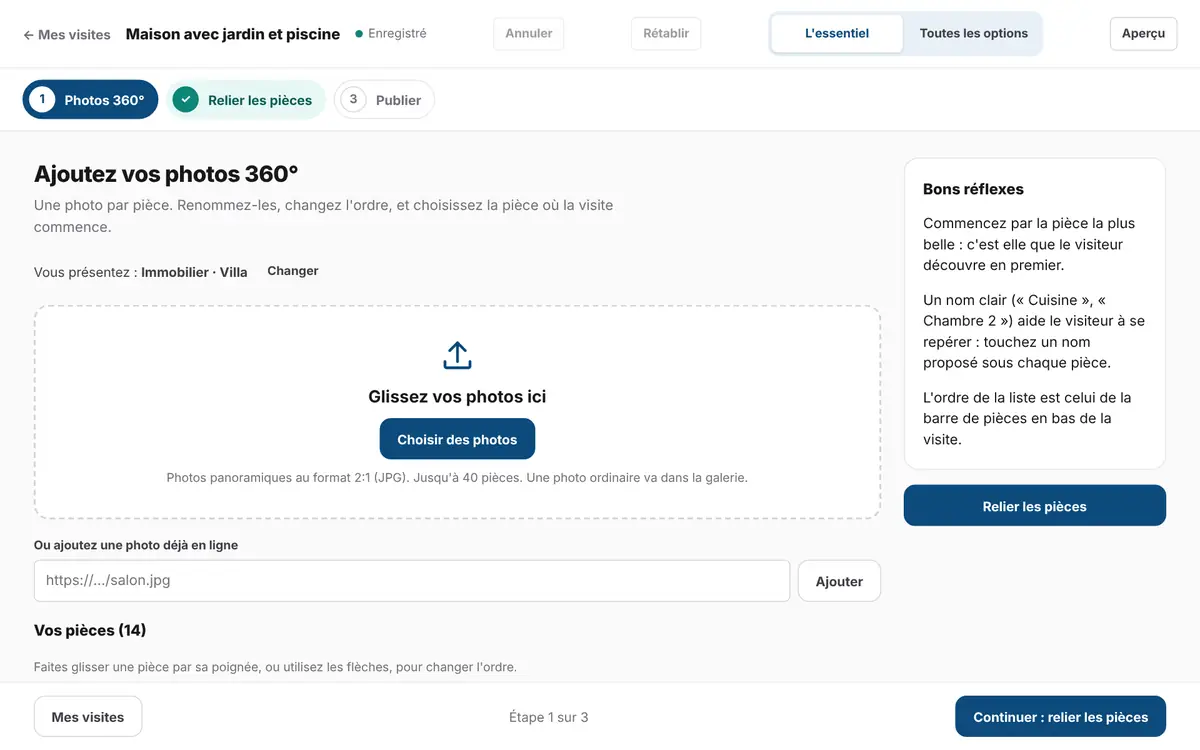
Add your 360° photos
Drop in your photos: they are checked and lightened, and space names are suggested.
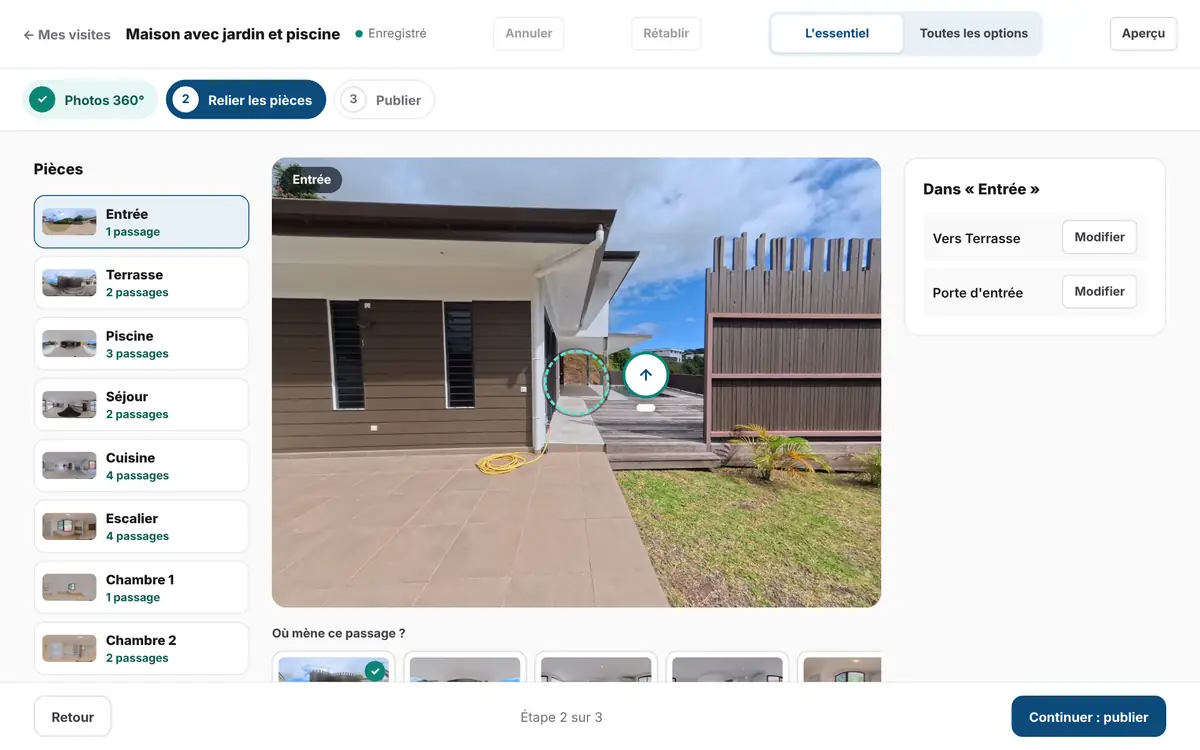
Link the spaces
Drag a space onto the door that leads to it: the way back is created automatically, and visitors move in the direction they walk.
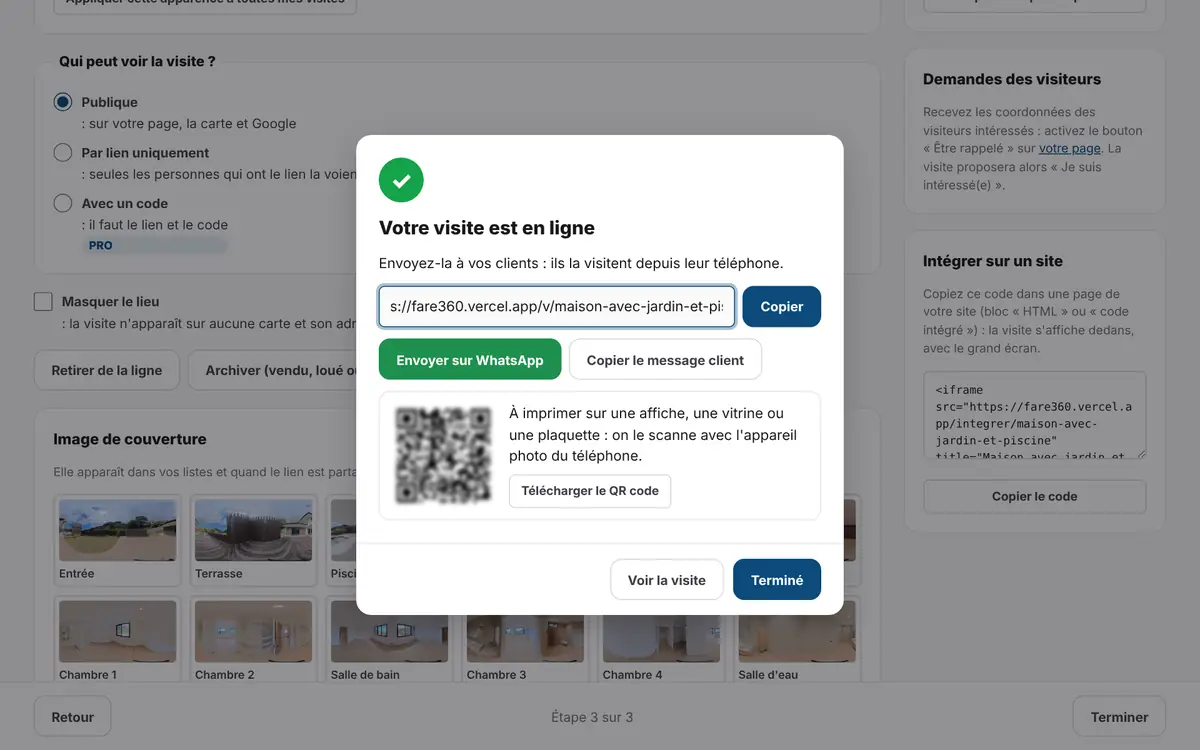
Publish and share
Your colours and logo, everything checked, then a link, a QR code or WhatsApp in one tap.


The screens shown are those of the editor, which is in French.
Try PRO for 30 days.
From sign-up: every option, your colours, no credit card. Founders’ offer: −30 % for the first year, for early sign-ups. 20 places.
Try PRO for 30 daysFrequently asked questions
All questionsDo I need to install anything?
No. Fare360 runs in the browser, on computers and phones. Your visitors don’t install anything either.
Is it only for real estate?
No: from guesthouses to boats, snack bars to party venues, clubs to dive sites (see “Who is it for?”). The suggested space names adapt to the place.
How do I go from one space to another?
Drag the space onto the door that leads to it (on a phone: tap the space, then “Poser ici”). The way back is created automatically; you check it with one click.
How do I sign in?
With your email address: Fare360 sends you a code to type, with no password to remember. You can also link a Google account in “Mon compte › Paramètres du compte” to sign in with one click.