Campsites and gîtes: the pitch chosen by seeing it
Holidaymakers see the pitch, the bungalow, the washrooms and the pool before booking: no surprises on arrival.
What you will use it for
- Each type of pitch or accommodation in 360°
- A button to your online booking, on your page
- The site map, with each space marked
An address in your name, alongside your website or in its place. Your tours, contact details and links together on a polished page, to add to your Google Business Profile and your social media. See how
What to photograph
One 360° photo per space or per view. Start with “Reception”: that is where the tour opens. The editor suggests space names in one click, and you can type your own.
- Reception
- Camping pitch
- Bungalow
- Bedroom
- Washrooms
- Common area
- Pool
- Outside
Examples
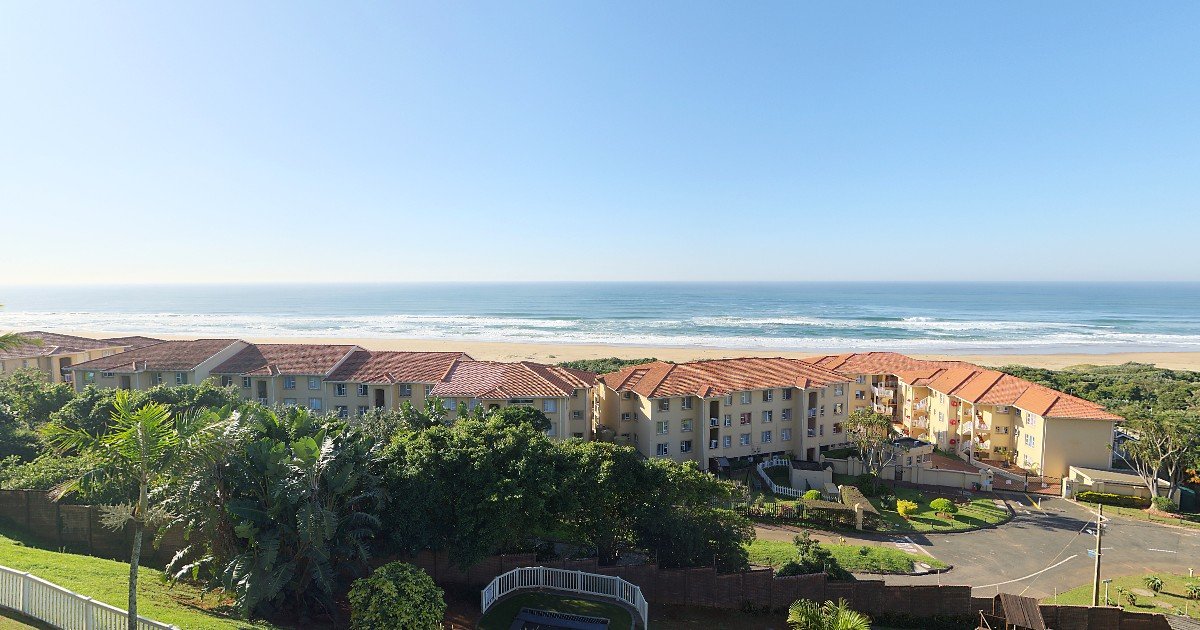
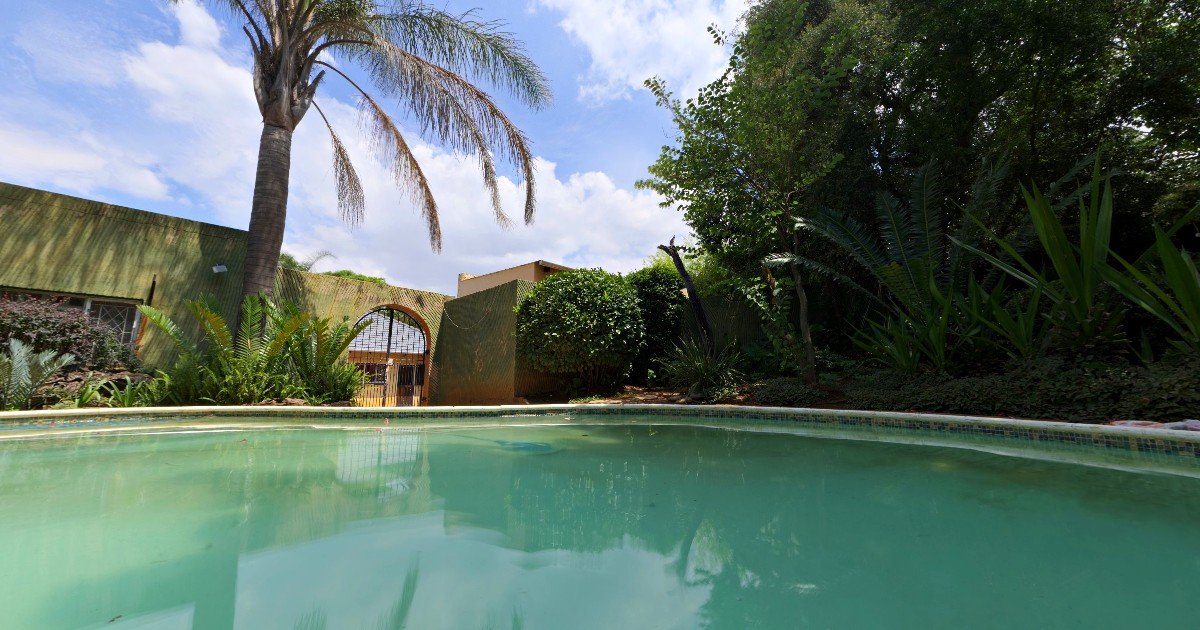
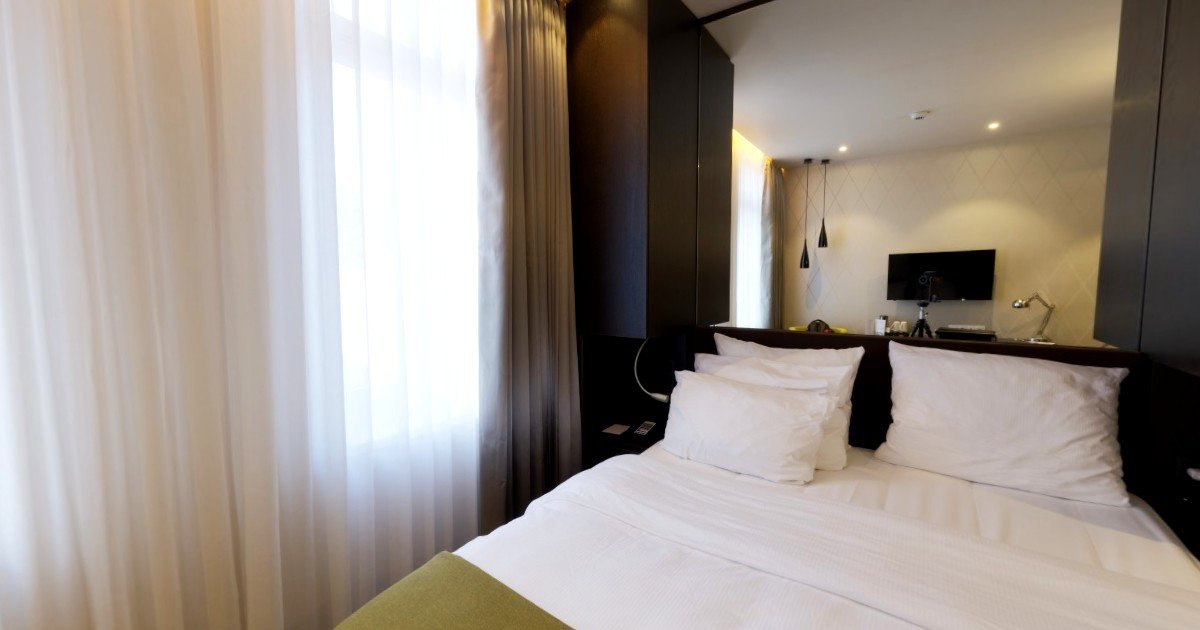
Frequently asked questions
All questionsHow many photos do I need?
One 360° photo per space or per view. To start with, the editor suggests Reception, Camping pitch, Bungalow and Bedroom, and more; you can name your own. The Free plan allows 20 photos per tour; PRO has no limit.
Do I need a 360° camera?
A consumer 360° camera is enough: export the photos as JPG and drop them in. A full 360° photo taken with a phone app works too, less sharp. No equipment? A 360° provider can take the photos for you.
Do my visitors need an app?
No. The tour opens in the browser, on a phone as well as a computer, from a link, a QR code or your own website.
How much does it cost?
Free to start: 1 tour online and 20 360° photos per tour. PRO costs 2 900 XPF per month incl. tax, with a 30-day trial, no credit card.
What should I prepare before I start?
To have to hand: your online booking link; the site plan, even hand-drawn; your rates by type of pitch or accommodation; your logo; one pitch and one unit of each type free. The “Preparing your page and your tour” guide for this activity also covers what to photograph and the questions to ask yourself.